Wispr Flow alternatives for Mac: an honest comparison
Want Wispr Flow without the monthly bill or the cloud? Superwhisper and VoiceInk recognize speech on the Mac itself, MacWhisper is the one for audio files, and Apple’s Dictation is free and already installed. Aqua Voice is the closest cloud-for-cloud swap. If you need the text in a different language from the one you speak, that is Jarq. Prices below are as of October 2026, from each vendor’s own page.

At a glance, as of October 2026
Every cell comes from the vendor’s own pricing page or documentation, checked on 5 October 2026.
| Price | Free | Offline | Platforms | Languages | Translates while you dictate | Acts on selected text | |
|---|---|---|---|---|---|---|---|
| Wispr Flow | $15/month or $144/year | Weekly word allowance; 14-day Pro trial | No, needs internet | Mac, Windows, iPhone, Android | 100+ | Custom prompt (Transforms, beta) | Command Mode (Pro), Transforms (beta) |
| Superwhisper | $8.49/month, $84.99/year or $249.99 once | Unlimited with local Whisper models | Yes, local models | Mac, Windows, iOS, Android | 100+, depends on the model | Into English (Pro); others via a custom mode | Super Mode commands on a selection (Pro) |
| MacWhisper | Pro €64 once | Yes, system-wide dictation included | Yes, local models | Mac | 100 | AI prompt with your own API key (Pro) | Not documented |
| VoiceInk | $25–$49 once (1–3 Macs) | 7-day trial | Yes, local models | Mac (Apple silicon), iOS | Depends on the model | Not documented | Rewrites a selection by voice |
| Aqua Voice | $10/month, or $8/month billed yearly | 1,000 words | No, cloud | Mac, Windows, iOS | 49 | Not documented | Edit Mode, on every desktop plan |
| Apple Dictation | Free, built in | — | On device in many languages | Built into macOS | 34 | No | Writing Tools (Apple Intelligence) |
| Jarq | $4.99/month, $39/year or $179 once | 5 a day; on-device dictation unlimited; 14-day trial | Dictation yes; translation no | Mac only (Apple silicon) | 13 | Yes, a setting (any of the 13) | Translate, Improve or your own button, with ⌥T |
MacWhisper lists its price in euros; the rest are in US dollars. Plans change often, so check the vendor’s page before you buy.
Wispr Flow, the baseline
On a Mac you hold Fn, speak and let go, and Wispr Flow inserts cleaned-up text in the app you are in. It recognizes more than 100 languages, one per dictation, on macOS 12 or later (Apple silicon or Intel), Windows, iPhone and Android. Transcription runs in Wispr’s cloud, and its help center says an internet connection is required. The free plan has a weekly word allowance; Pro is $15 a month or $144 a year and includes Command Mode, an experimental setting: select text, hold its shortcut, say what to change.
If you want it local: Superwhisper or VoiceInk
Superwhisper is the closest match feature for feature, and offers the most choice. Its free plan dictates without limits through local Whisper models, so nothing you say leaves the Mac and it works offline. Pro adds cloud models, AI modes for messages and email, translation into English, and Super Mode, which takes spoken commands on selected text. One licence covers Mac (macOS 14 or later), Windows, iPhone and Android.
VoiceInk is open source and sold once: $25 for one Mac, $39 for two, $49 for three, after a 7-day trial. It transcribes with local models on Apple silicon Macs running macOS 14.4 or later, and rewrites a selection when you say how it should change. Its docs note that the AI clean-up can use a cloud provider, so not every step is offline.
If you mostly transcribe files: MacWhisper
MacWhisper is built around recordings: drop in audio or video for a transcript or subtitles, or let it record your online meetings, in 100 languages, on local models. The free version includes system-wide dictation. Pro is €64 once and adds higher-quality dictation and AI prompts — one of which can translate what you dictated, through your own API key. Dictation is only in the version sold on macwhisper.com, not in the App Store one.
If you want the cloud for less: Aqua Voice
Aqua Voice is the nearest like-for-like swap: cloud dictation on Mac, Windows and iPhone, with Android on a waitlist. Pro is $10 a month, or $8 a month billed yearly, and the free plan includes 1,000 words. It covers 49 languages, fewer than Wispr Flow, and its Edit Mode rewrites a selection in place when you hold the key and say the change.
If you want free and already installed: Apple Dictation
Turn it on in System Settings → Keyboard → Dictation, then press the Microphone key or the shortcut chosen there. It types in any app with no time limit, covers 34 languages with regional variants, and in many of them runs on the device once the speech models are downloaded — Keyboard settings tell you whether yours does. It does not translate. For selected text, macOS has Writing Tools (with Apple Intelligence) and the Translate menu: how to translate a selection in place.
How Jarq does it
Jarq is narrower: it is for people who write every day in a language other than the one they think in. In Settings → Dictation, Output language is “As spoken” by default, which types exactly what you said. Choose English, and the Russian you speak arrives as English text in Slack, Mail or any other app — speak one language, type another.
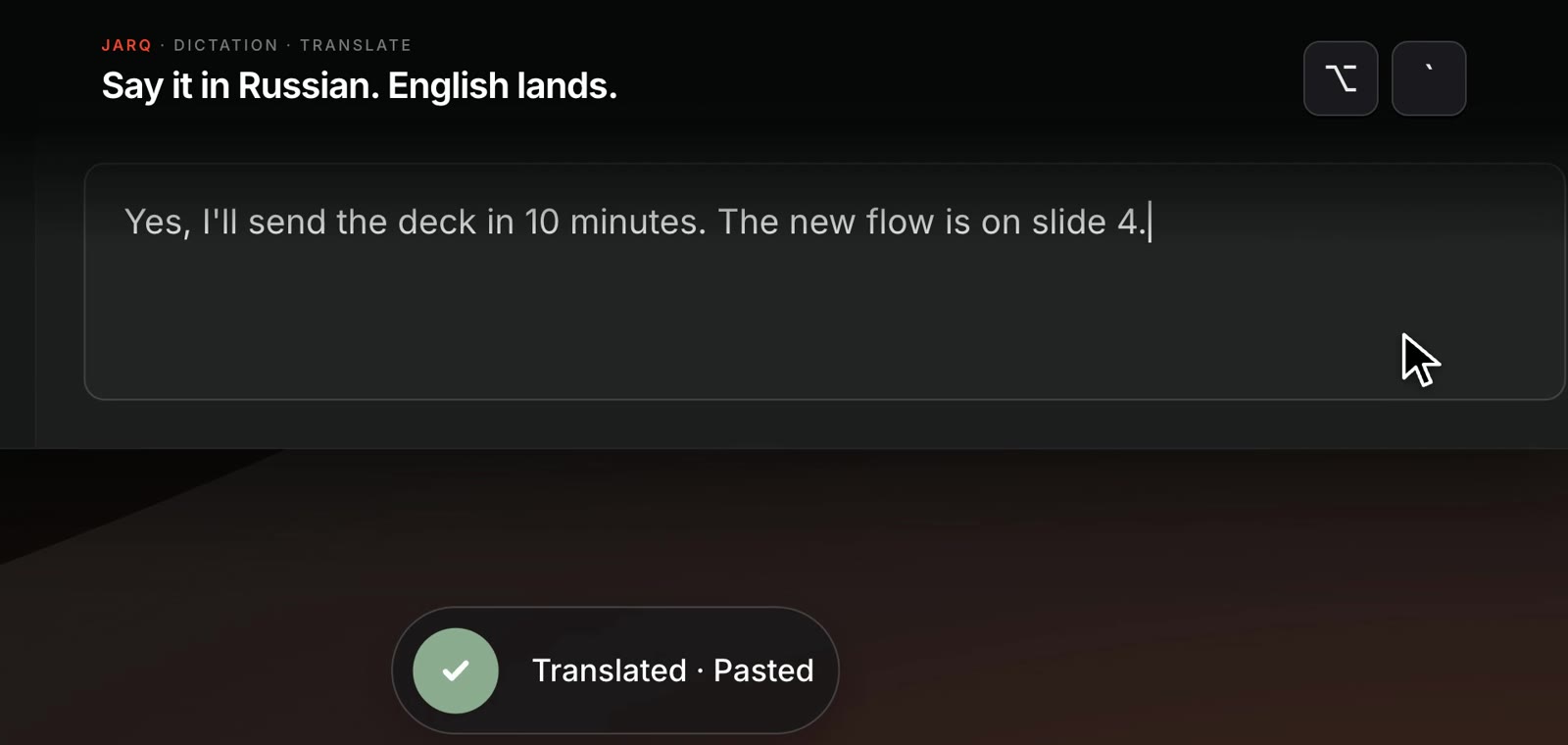
- The key. Press ⌥`, speak, and press it again to stop, or switch to Push to talk and hold it. Jarq translates only when you have set an output language and spoke a different one.
- Thirteen languages, in any direction: English, Russian, Arabic, Spanish, French, German, Portuguese, Italian, Chinese, Japanese, Turkish, Kazakh and Uzbek.
- Offline when you want it. An optional 632 MB speech model runs dictation in the language you speak with no connection, free and unlimited on every plan — dictate offline. Translation still goes online.
- Selected text, same app. Select text anywhere and press ⌥T to translate it, Improve it or run your own button; Insert puts the result in place. Start a dictation with “Jarq, …” and it becomes a request about the selection.
Where others are better: Jarq runs only on Apple silicon Macs with macOS 13 or later, with no Windows, iPhone or Android version. It has 13 languages where Wispr Flow, Superwhisper and MacWhisper have 100 or more, one local model rather than a choice of them, no per-app modes, and no file or meeting transcription. Every install starts with 14 days of Pro; then the free plan gives 5 dictations or translations a day, and Pro is $4.99 a month, $39 a year or $179 once — plans and prices.
Which one to pick
- You dictate in one language and want it to stay on the Mac: Superwhisper’s free plan, or VoiceInk if you would rather pay once.
- You need it on Windows or a phone too: Wispr Flow, Superwhisper or Aqua Voice.
- You transcribe interviews, lectures or meetings: MacWhisper.
- You dictate now and then: Apple Dictation costs nothing and is already there.
- You think in one language, write in another, and fix or translate selected text all day: Jarq.
Questions people ask
Is there a free alternative to Wispr Flow on Mac?
Yes: Apple Dictation is built in, Superwhisper’s free plan has unlimited local dictation, MacWhisper’s free version includes dictation, and Jarq’s free plan gives 5 a day plus unlimited on-device dictation.
Is there a Wispr Flow alternative that does not use the cloud?
Superwhisper with a local model, VoiceInk, MacWhisper and Jarq with its on-device model all transcribe on your Mac, and Apple Dictation does in many languages. Wispr Flow and Aqua Voice process audio in the cloud.
Is there an open-source alternative to Wispr Flow?
VoiceInk is open source: its code is on GitHub, and the ready-built app is a one-time purchase from $25 as of October 2026.
Can I dictate in one language and get the text in another?
Superwhisper translates into English on its Pro plan; Wispr Flow and MacWhisper can do it through a custom AI prompt. In Jarq it is a setting — Output language, any of 13 languages — and the translation runs online.
What is a good Superwhisper alternative for Mac?
VoiceInk for local models at a one-time price, MacWhisper for audio files, Wispr Flow or Aqua Voice for the cloud, and Jarq for text in a second language.